Timed messages, giveaways and commands for your chat
Post reminders on a schedule, run a giveaway that works across YouTube, Twitch, Kick and X, and answer chat commands automatically.
Chat Jobs in detail
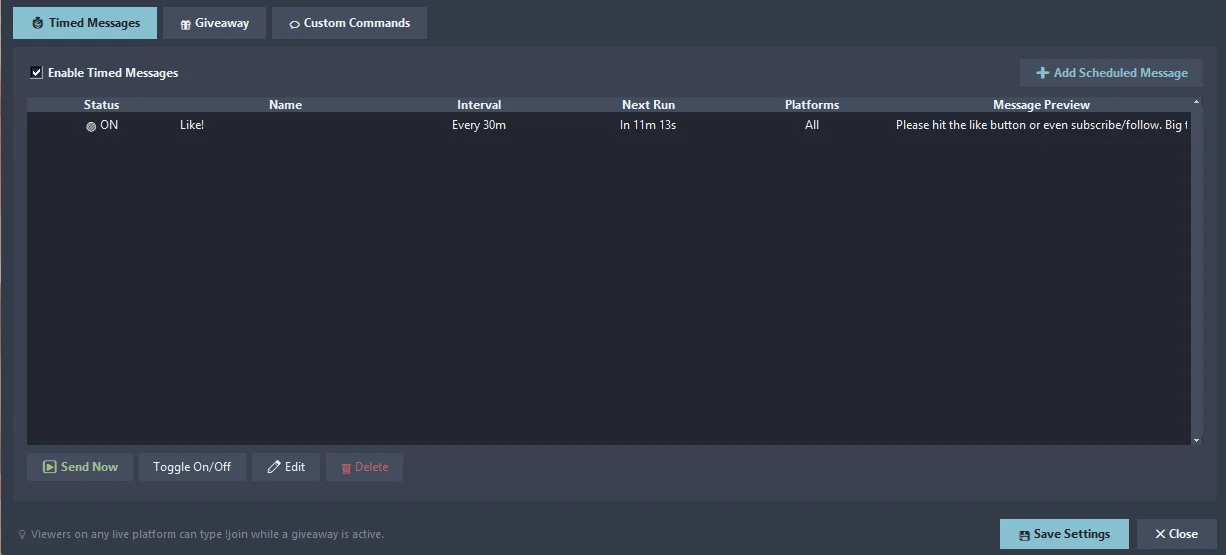
Timed messages
Recurring messages for social links, your Discord invite, rules or a like reminder. Each one has an interval, a next-run countdown, the platforms it goes to and a preview.
Send Now
Fire any message immediately, toggle it on or off, edit it or delete it.
Giveaways
Viewers on YouTube, Twitch, Kick and X type !join to enter. Duplicate entries are removed, the platform of each entrant is tracked, a winner is drawn at random and announced in chat.
Custom commands
Built-in triggers such as !discord, !rules, !commands and !giveaway answer viewers while you play.
From start to finish
Open Chat Jobs
Press ⏱ Jobs… in Live Studio.
Add a scheduled message
Set the text, interval and platforms.
Start a giveaway
Viewers type !join; draw a winner when you are ready.
Good to know
- Messages go to the live chats of the destinations you are streaming to.
Related features
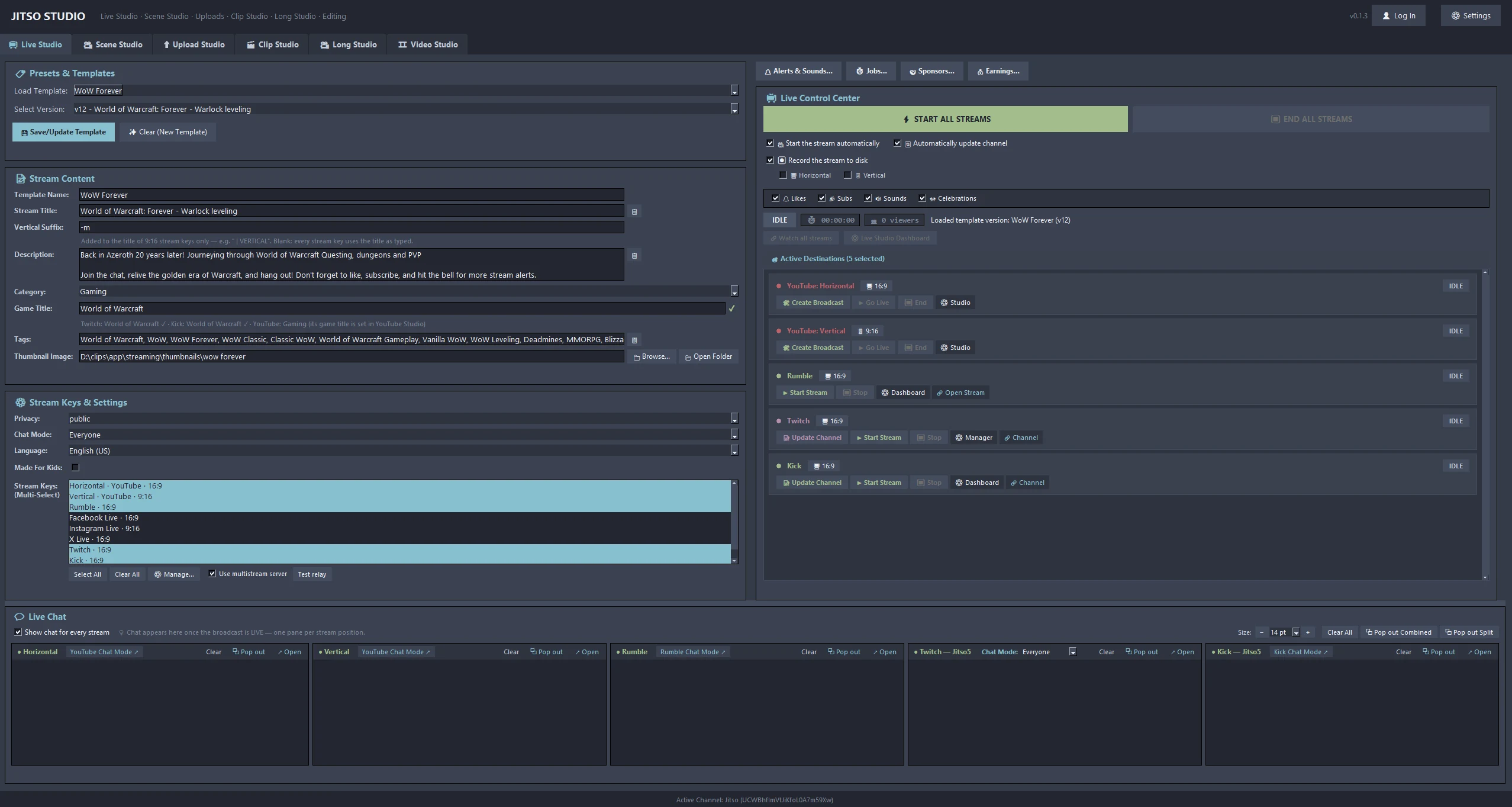 📺 Live StudioOne-click broadcast with title and category sync to YouTube, Twitch and Kick.Learn more →
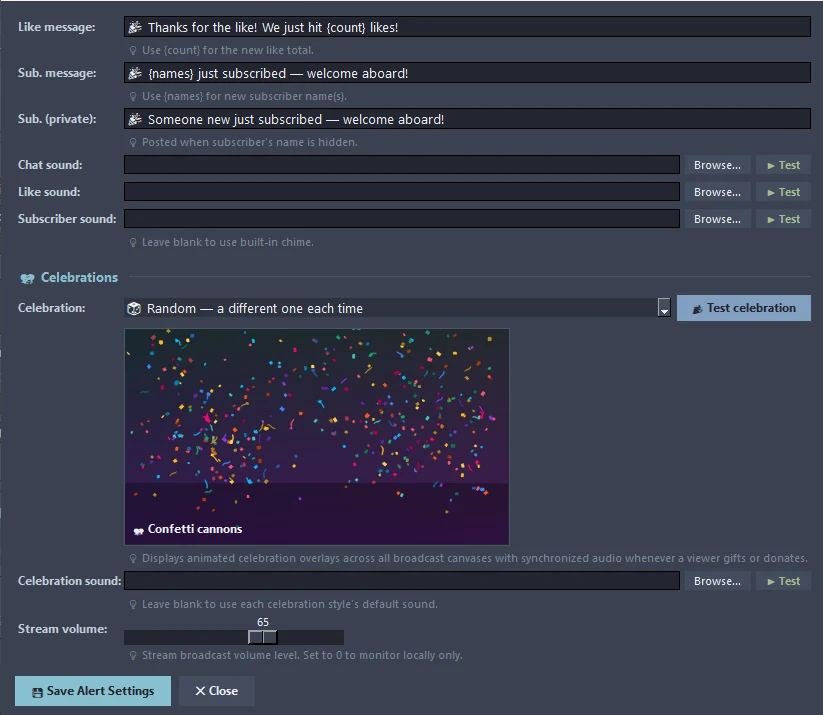 🔔 Alerts & CelebrationsThank-you messages, sounds and animated celebrations for gifts and donations.Learn more →📡 Multistream12 destinations, one encode per canvas, and an optional relay server.Learn more →
Transform your creator workflow today
Stream live, let AI curate your highlights, and publish your clips to YouTube and other platforms.