⚙ Settings
Settings: this machine, AI models and themes
Settings shows what your PC can do, which encoder and AI engine you use, and which theme the app wears.
⚙ Deep Engine & System Architecture
Settings: This Machine, AI Models & Themes
Settings shows what your PC can do, which encoder and AI engine you use, and which theme the app wears.
⚡ This Machine
Hardware checks & GPU encoding
Settings → This machine checks every component the app needs and can install what is missing.
- NVIDIA GPU acceleration: Speech transcription and the local AI use your NVIDIA GPU (CUDA / cuDNN) when it is available, and fall back to the CPU.
- Hardware Encoders: NVENC (H.264 or HEVC), Intel Quick Sync, AMD AMF or CPU (libx264), with bitrate and preset set per stream key.
- Windows audio capture: Capture microphones, desktop audio and the sound of individual applications.
- Stream priority: The app raises its own priority only while a stream is going out, so a game keeps its share the rest of the time.
⚡ NVIDIA CUDA
🎬 NVENC / Quick Sync / AMF
🔊 WASAPI audio
Personalized Workspace
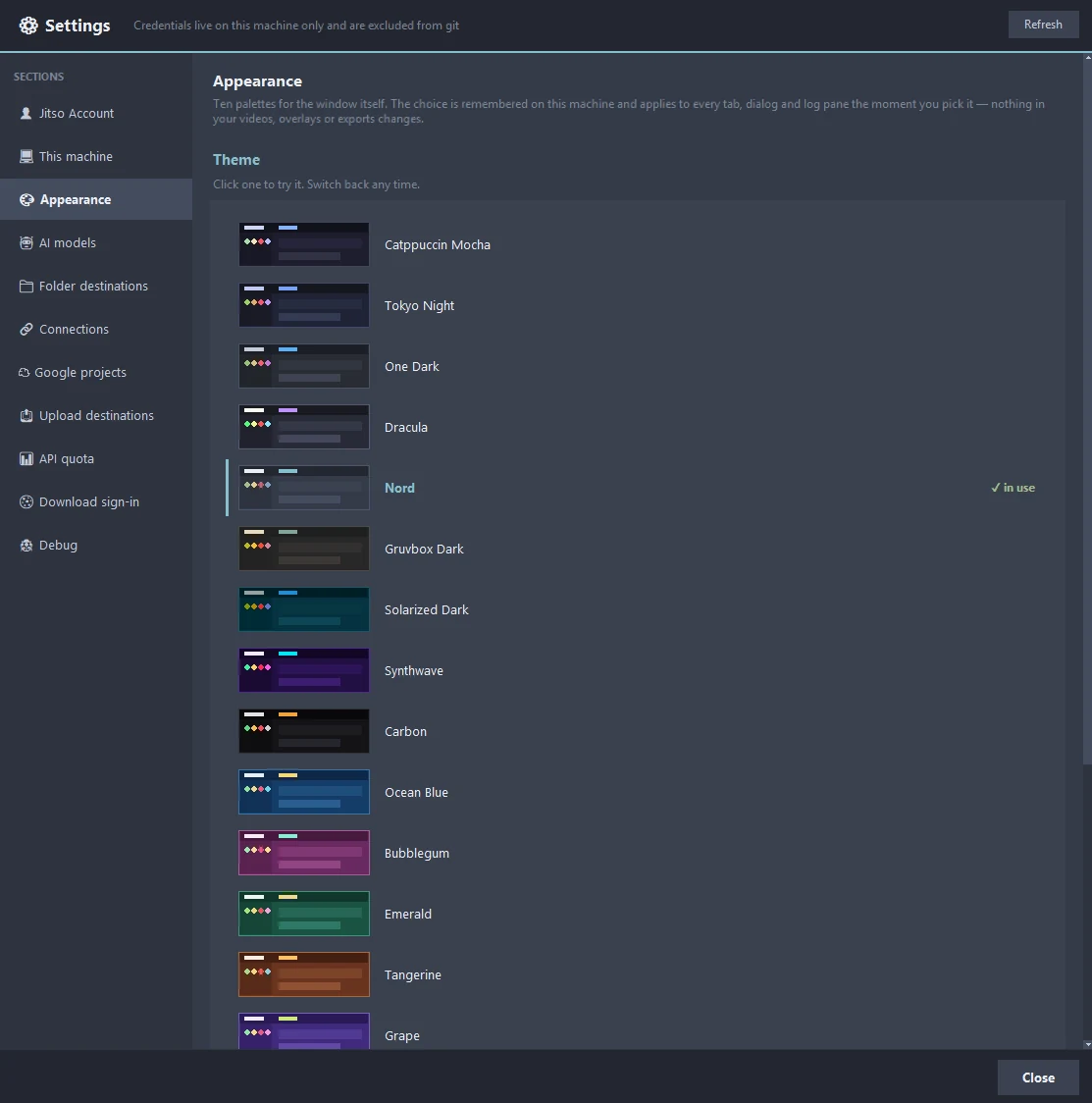
Twenty app themes, switched live
The desktop app ships 20 colour themes and switches them without a restart. Try some of the palettes on this page.
Transform your creator workflow today
Stream live, let AI curate your highlights, and publish your clips to YouTube and other platforms.