One app for the
entire creator pipeline.
Compose dual horizontal & shorts scenes, multistream live to YouTube, Twitch, Kick and more at once, let local AI find your best moments in the VOD, edit on a multitrack timeline, and schedule the uploads across the week.
Stream on Monday. Post all week without lifting a finger.
Every step below lives in one app, so a stream can go from recording to scheduled clips without leaving it.

1. Compose
Layer webcams, game feeds, audio mixers, overlays, and chat for both 16:9 and 9:16 portrait simultaneously.
Learn more →2. Multistream
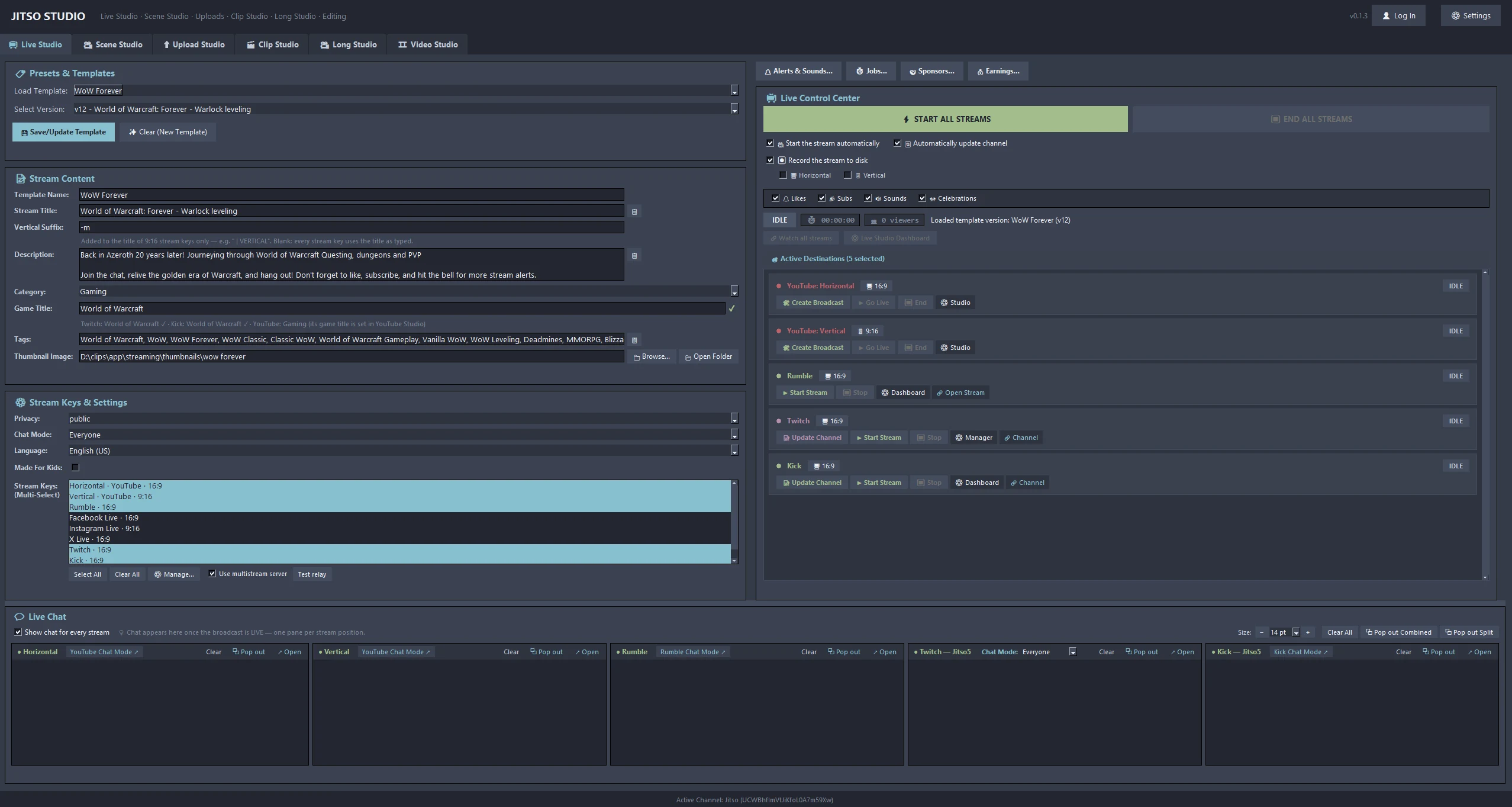
Broadcast live to YouTube, Twitch, Kick and other RTMP or SRT destinations, with your title and category sent to YouTube, Twitch and Kick.
Learn more →3. Local VOD Recording
Record the stream to your own disk while you broadcast, ready to analyze for highlights afterwards.
Learn more →4. AI Auto-Clip
Local speech transcription and a vision model, guided by a per-game judge, pick the highlights. You review the list before anything is rendered.
Learn more →5. Smart Batch Scheduler
Spreads YouTube uploads across days with a daily cap, and can post clips to TikTok, X, Facebook, Instagram, Reddit, Vimeo and Dailymotion.
Learn more →Six specialized studios replacing six separate apps
Each studio runs on its own background thread. Jobs keep processing while you work in another tab. Open one to see everything it can do.
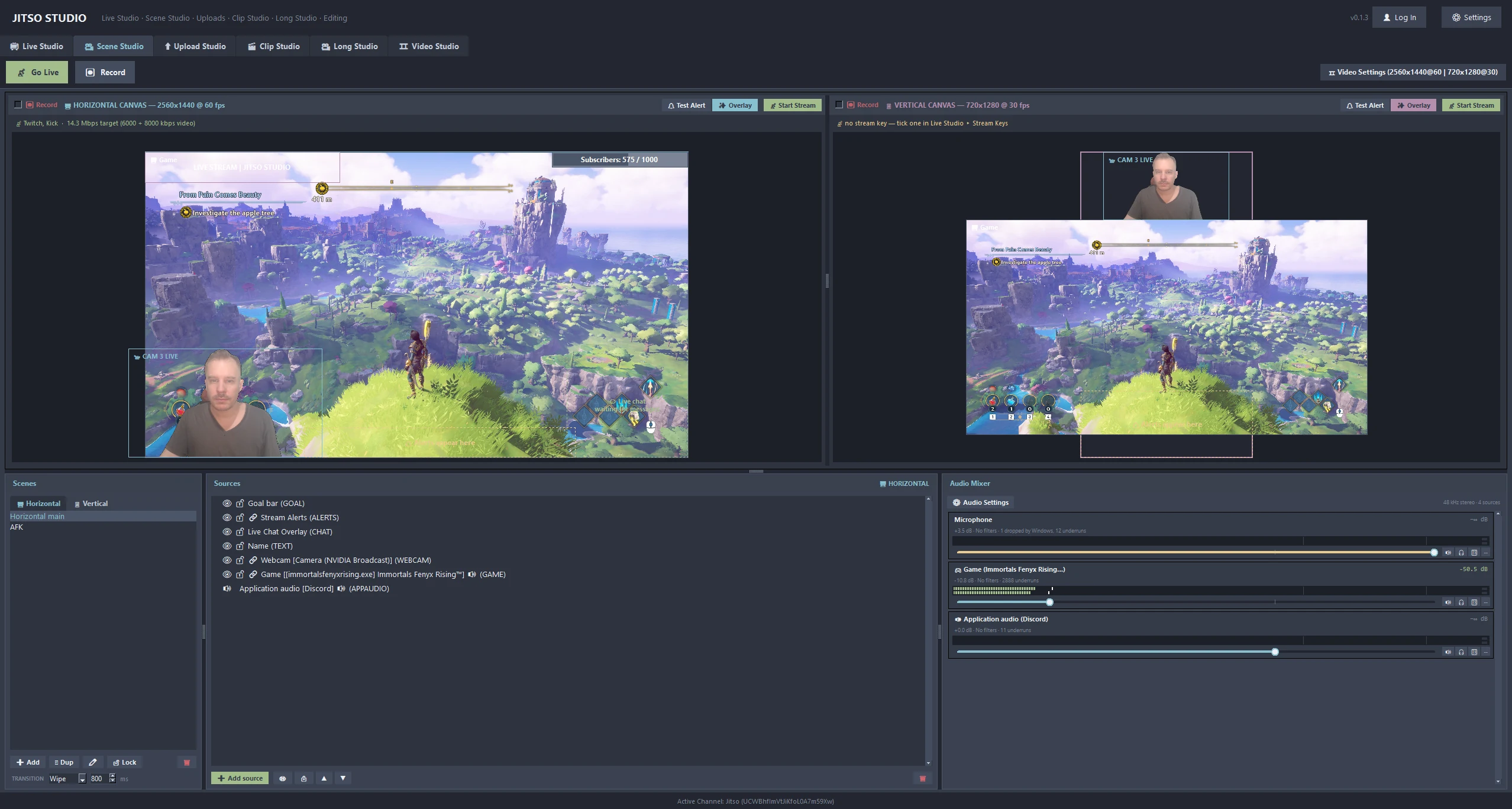 🎥 Scene StudioDual 16:9 and 9:16 canvases, 14 source types and an audio mixer.Learn more →📺 Live StudioOne-click broadcast with title and category sync to YouTube, Twitch and Kick.Learn more →
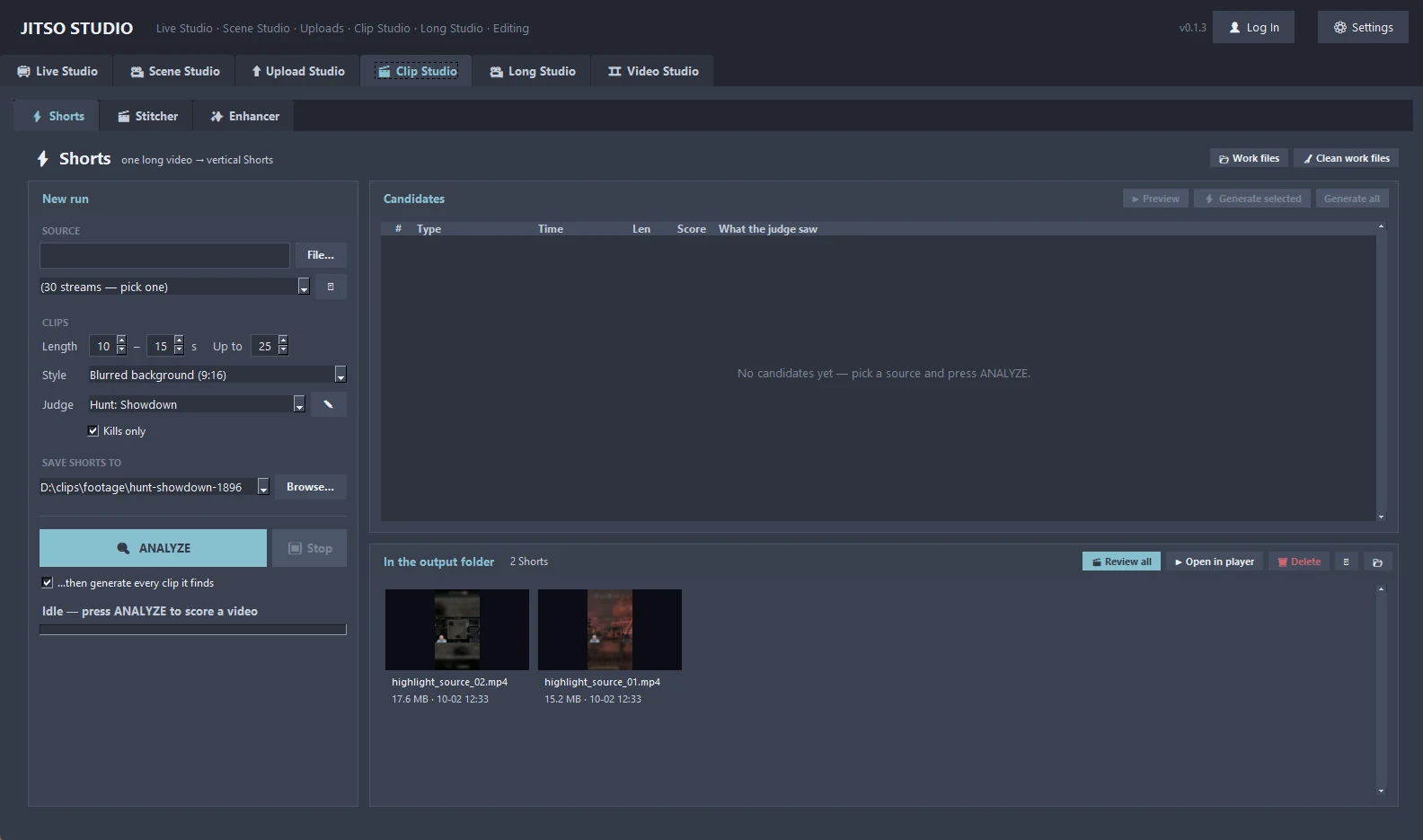 🎬 Clip StudioLocal AI finds your best moments. You review the list before anything renders.Learn more →
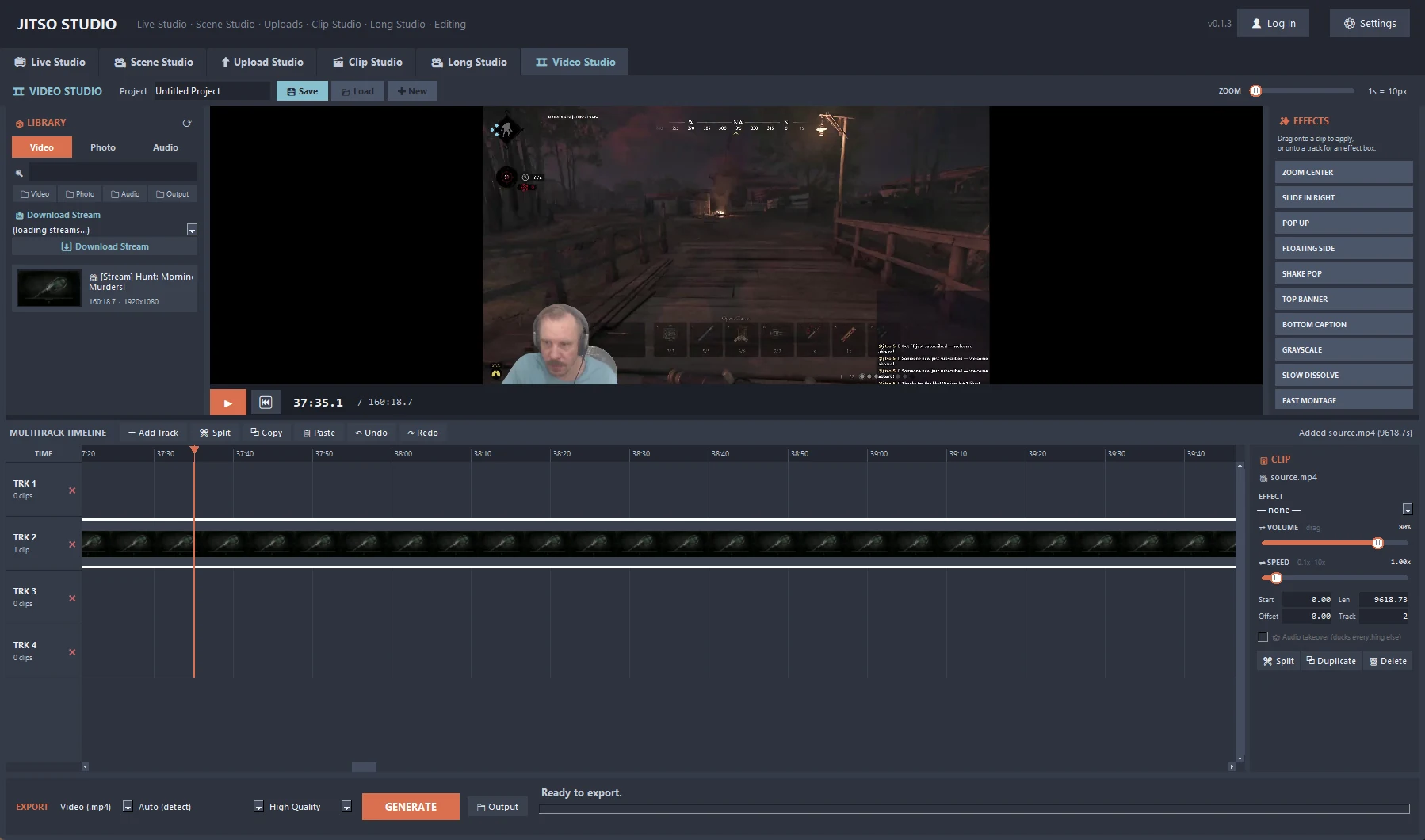 🎞 Video StudioMultitrack timeline editor with 40 effects and MP4 or MP3 export.Learn more →
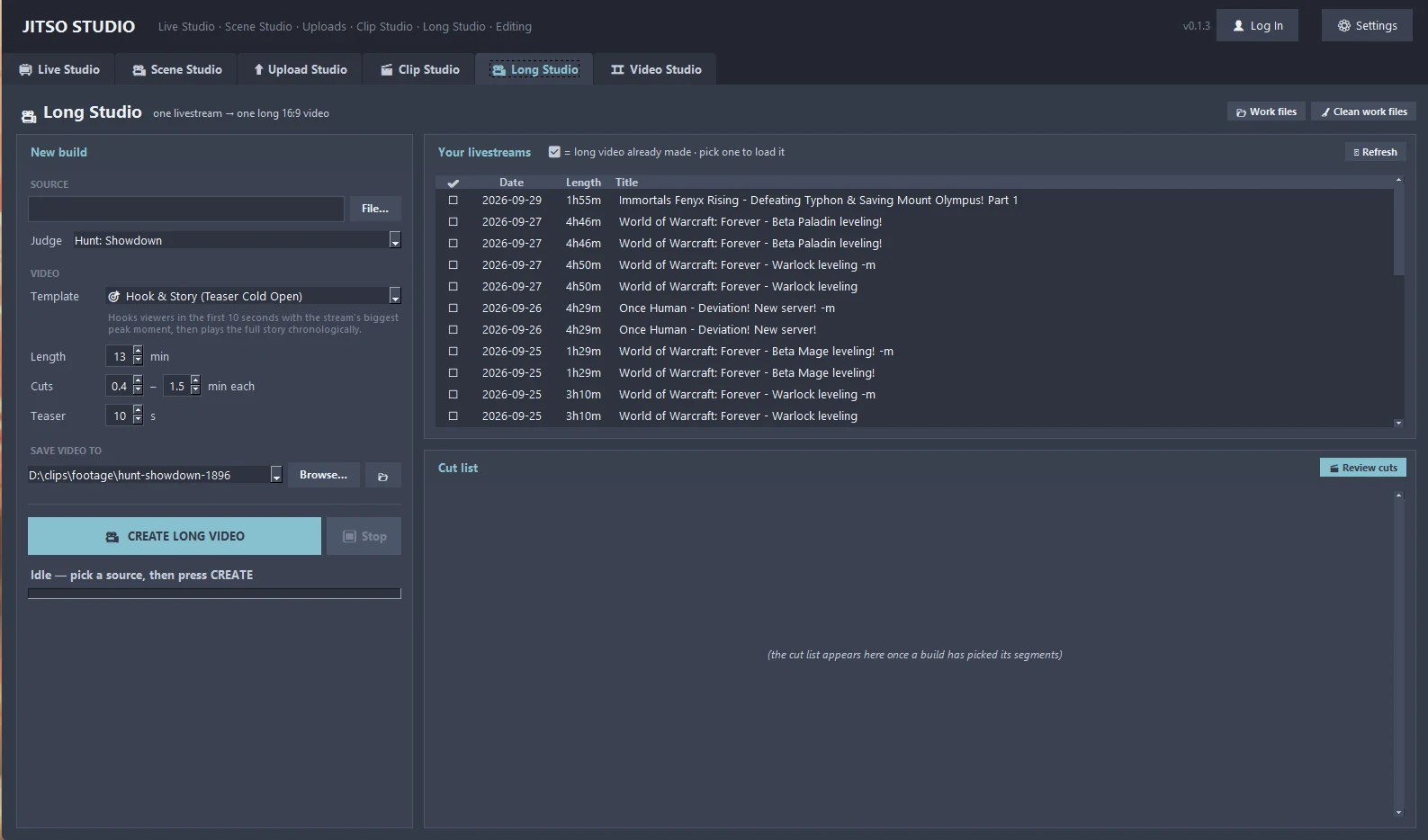 🎥 Long StudioCondense a 4-hour stream into a 20-minute mastercut.Learn more →
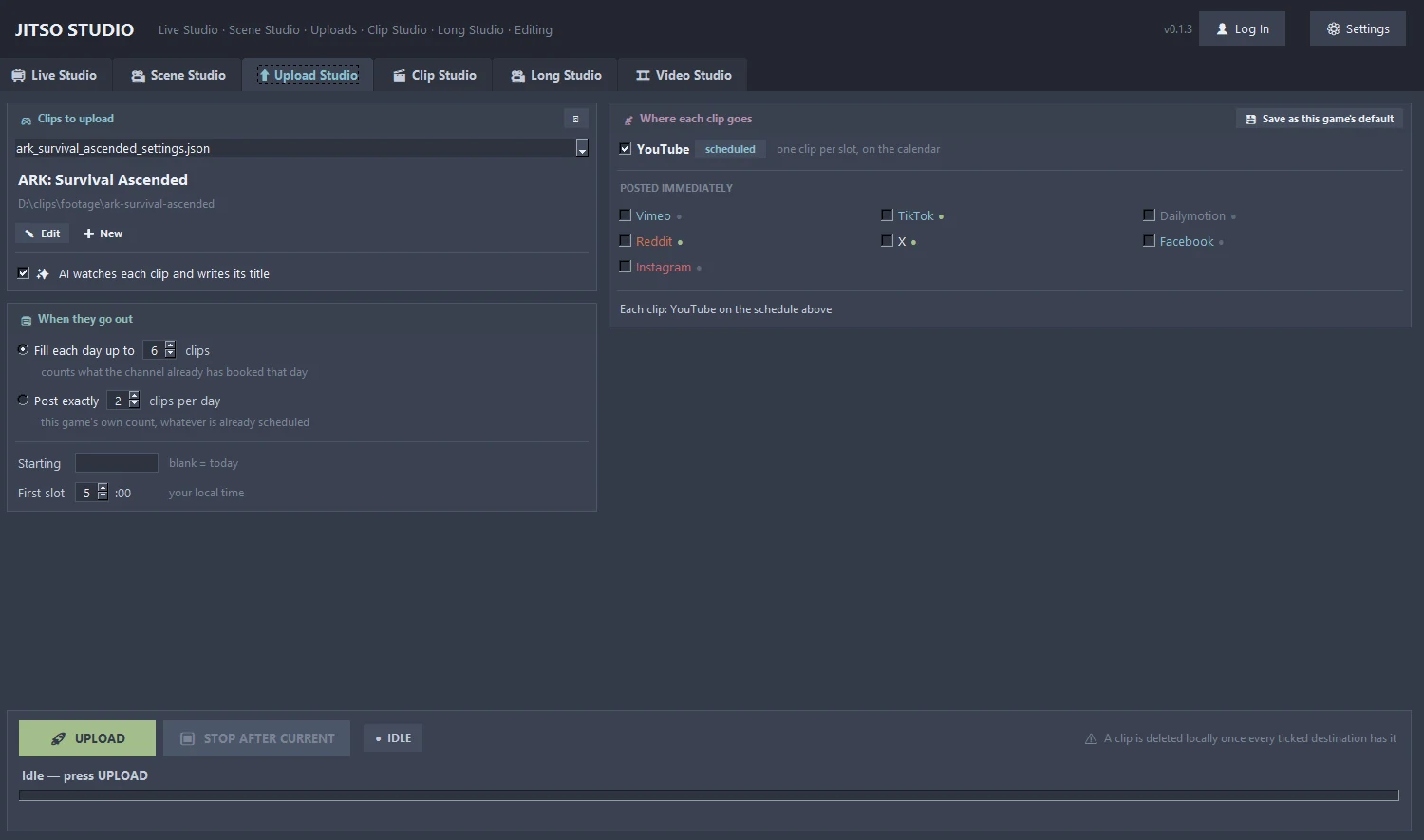 ⬆ Upload StudioBatch calendar that spreads uploads across days and posts to 8 platforms.Learn more →
Alerts, earnings, sponsors and chat tools
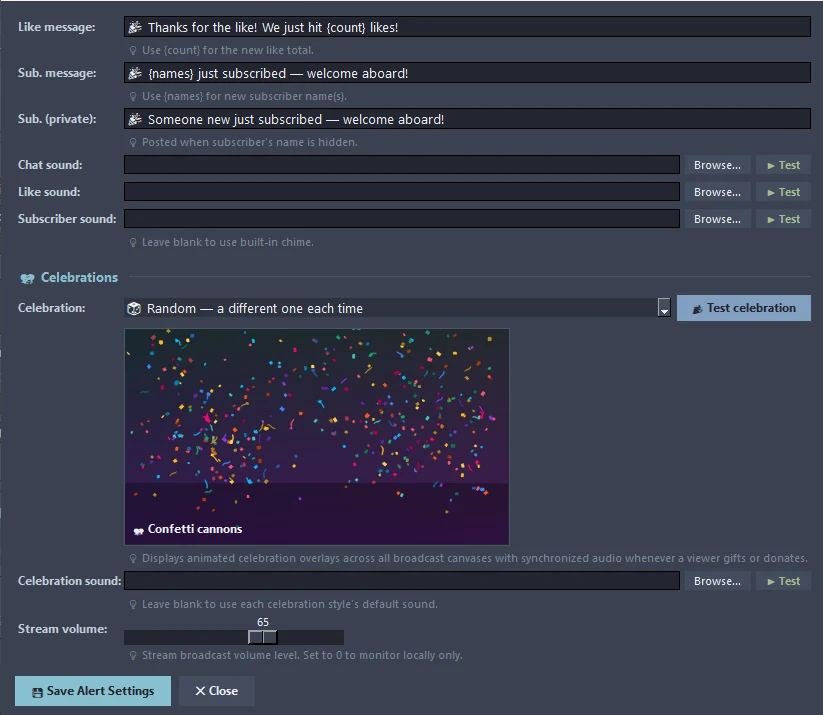 🔔 Alerts & CelebrationsThank-you messages, sounds and animated celebrations for gifts and donations.Learn more →
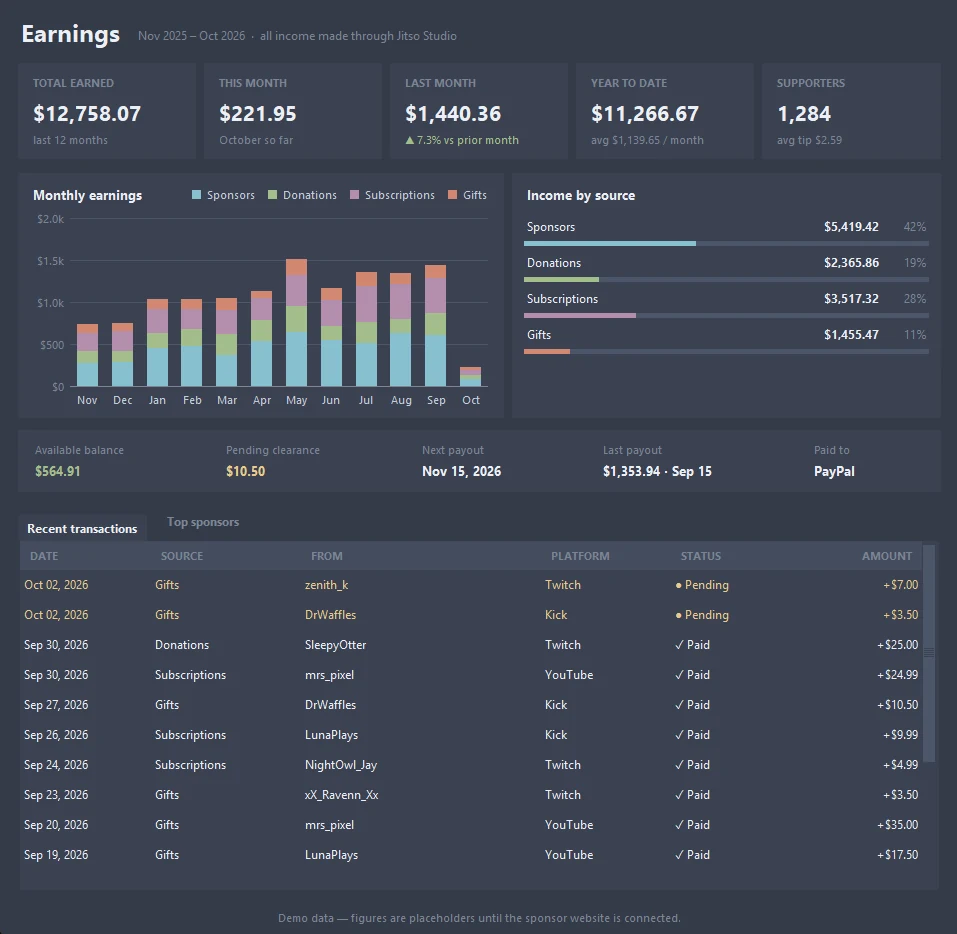 💰 EarningsOne dashboard for sponsors, donations, subscriptions and gifts.Learn more →
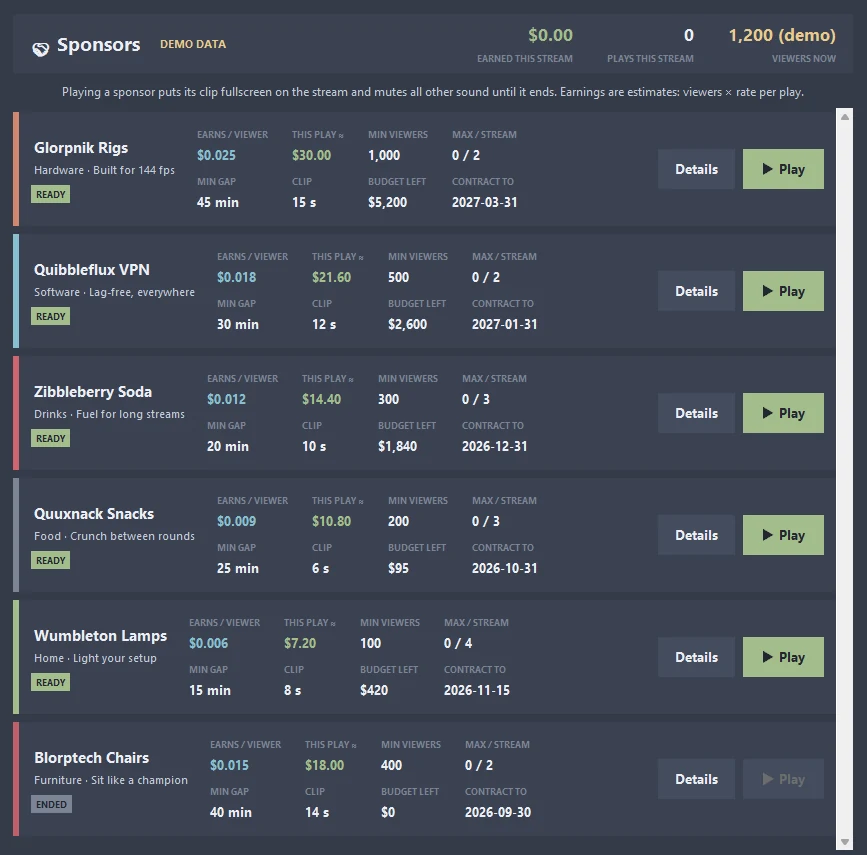 🤝 SponsorsPlay a sponsor's clip fullscreen on your stream and see exactly what it earns.Learn more →
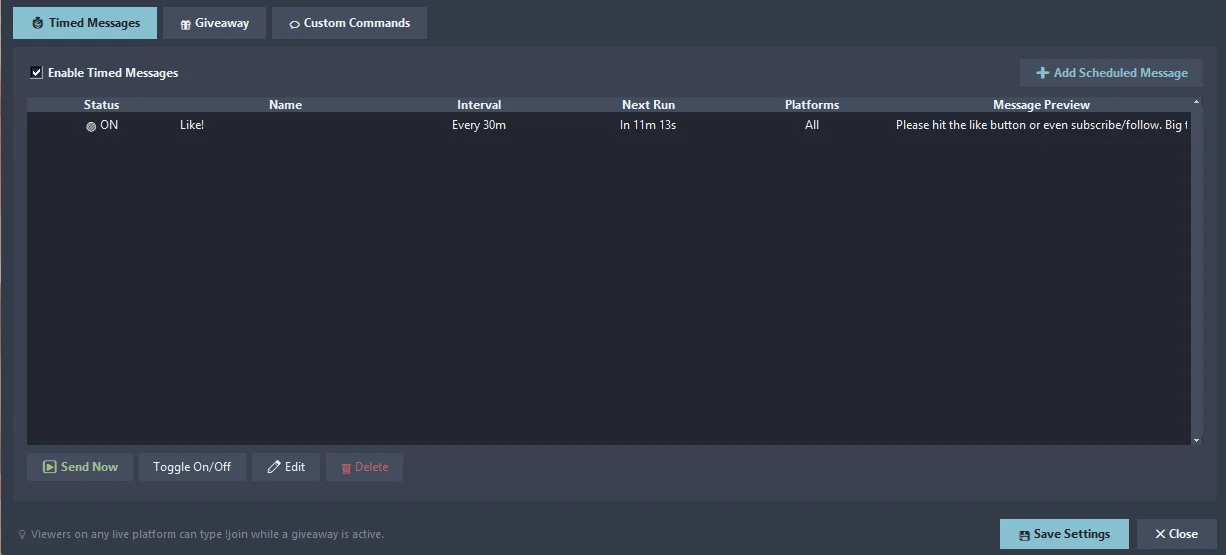 🗓 Chat JobsTimed chat messages, cross-platform giveaways and custom commands.Learn more →
The engine, the network and the settings
Transform your creator workflow today
Stream live, let AI curate your highlights, and publish your clips to YouTube and other platforms.