
Sponsor clips with the terms in plain sight
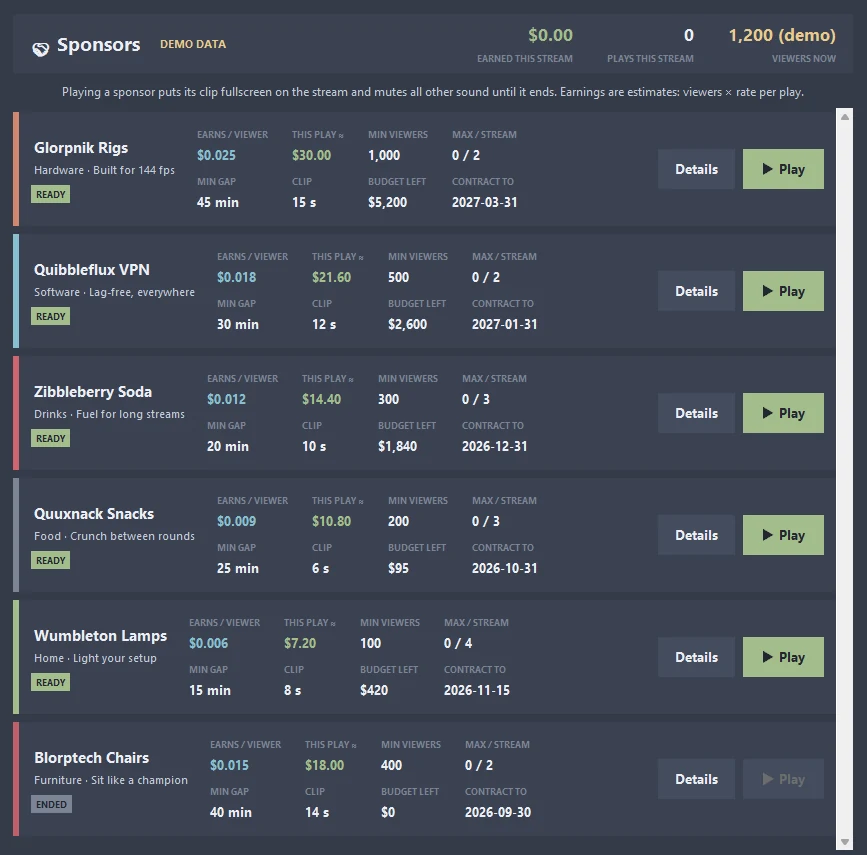
Each sponsor shows what it pays, how often its clip may play and whether it is ready right now. Press Play and its clip runs fullscreen on your stream.
Sponsors in detail
Terms on every sponsor
Earnings per viewer, minimum viewers, maximum plays per stream, minimum gap between plays, clip length, budget left and contract end date.
Estimated earnings
Each play shows what it would earn: viewers × the sponsor's rate per viewer.
Ready or not
A status chip tells you whether a sponsor is ready, on cooldown, locked, at its limit, out of budget, paused or ended.
Fullscreen on stream
Play puts the sponsor's clip fullscreen over your stream and mutes all other sound until it ends.
Stream totals
The header counts what you earned this stream, how many plays you have run and your current viewers.
From start to finish
Open Sponsors
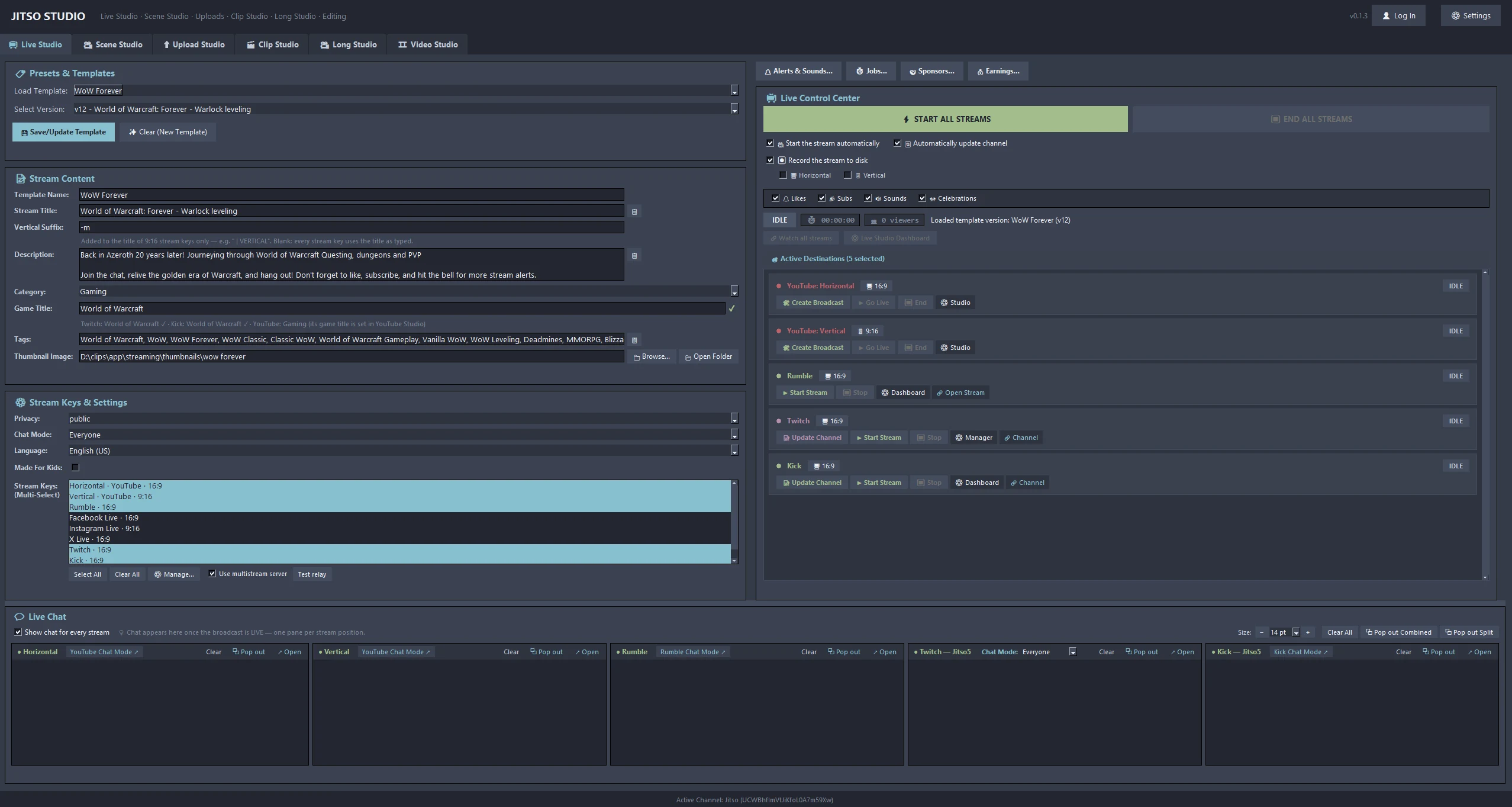
Press 🤝 Sponsors… in Live Studio, next to Jobs.
Check the terms
Details lists the full terms. Only sponsors that are ready can be played.
Play
The clip runs fullscreen. Earnings are added to this stream's total.
Good to know
- Planned: a Jitso sponsor website with the sponsor database and which sponsors are available to which user.
Related features
Transform your creator workflow today
Stream live, let AI curate your highlights, and publish your clips to YouTube and other platforms.