
The VOD that watches and scores itself
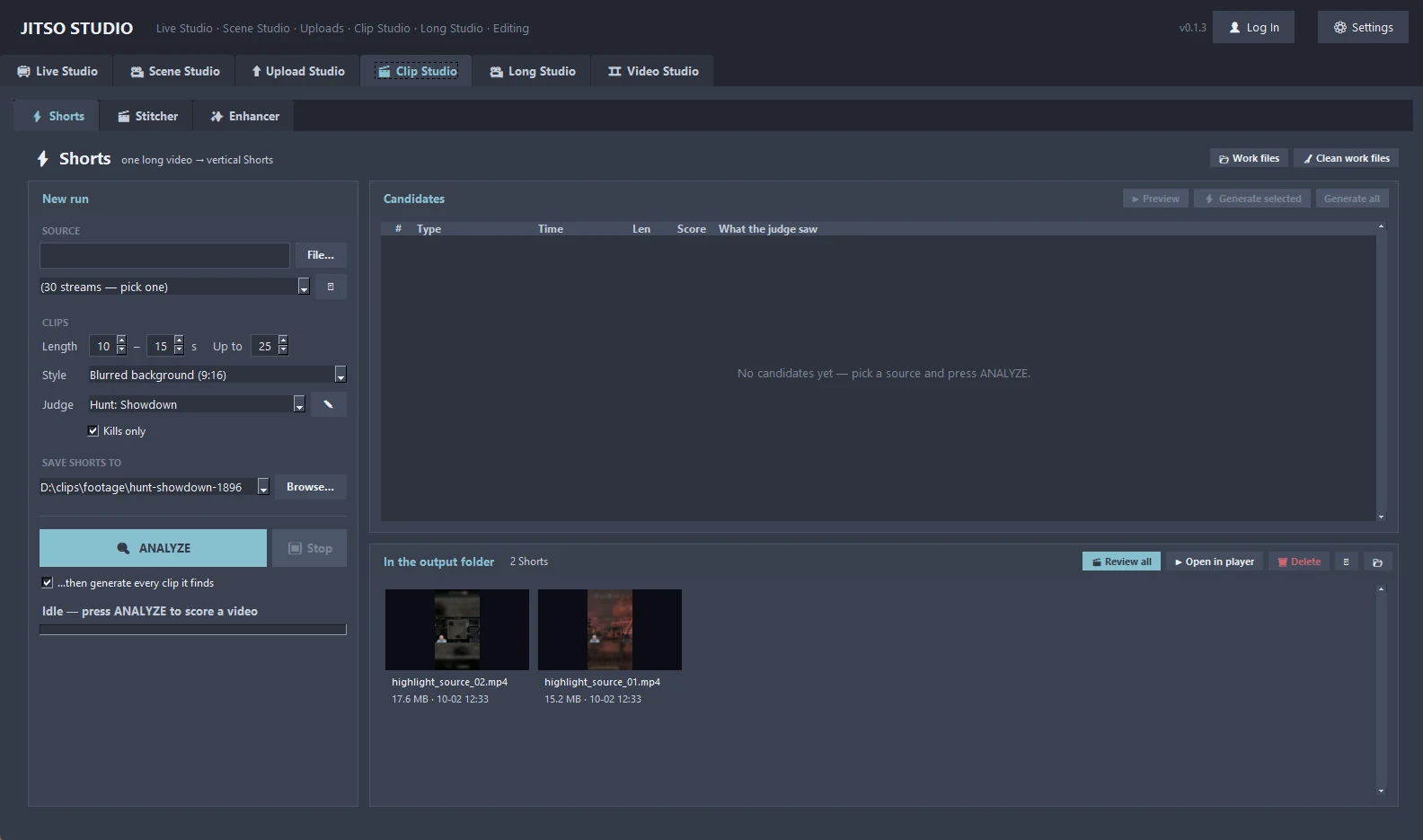
Feed in a local recording or a YouTube VOD link and press ANALYZE. The local AI lists candidate clips with scores and descriptions, and renders only what you approve.
Clip Studio in detail
Shorts: the AI auto-clipper
Analyze a long video or a YouTube URL, review the scored candidates, then generate the ones you want as 1080×1920 Shorts.
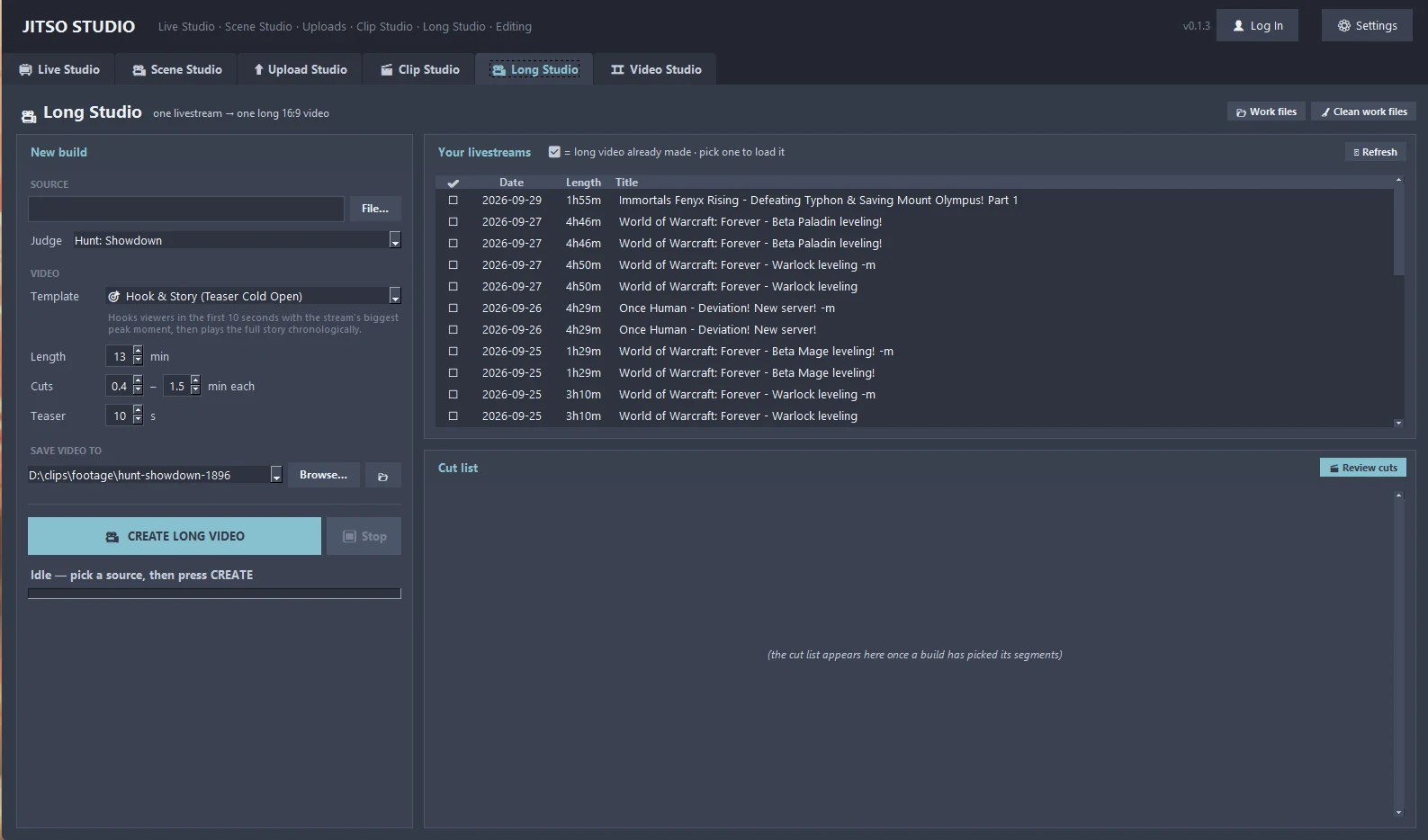
Stitcher: compilations
Joins a folder of clips into compilations of a minimum length you choose.
Enhancer: effects and spotlights
Spotlights, zoom punch-ins and annotations or captions on top of your clips.
Game-aware judges
The scoring rules are picked from the game you played, or you write your own in plain English. See how judges work on the AI Engine page.
Review and re-cut
Every candidate opens in a player with Keep and Delete. If the AI cut in the wrong place, move In and Out, or press Drop to remove a stretch inside the clip. Re-cut joins the pieces losslessly.
9:16 framing
Choose a blurred background or a centre crop for vertical output, with your own minimum and maximum clip lengths.
From start to finish
Choose the footage
Pick a recording from your stream folders or paste a YouTube URL for one of your own videos.
Analyze
Speech is transcribed locally and a vision model checks frames from each candidate.
Review the list
Scores, descriptions and previews. Keep, delete or re-time each one.
Generate
Only approved clips are rendered, ready for Upload Studio.
Good to know
- Analyze always runs from scratch, so changing a judge or a setting really changes the result.
- YouTube bot-checks anonymous downloads, so the app keeps its own signed-in Chrome profile for fetching your VODs.
Transform your creator workflow today
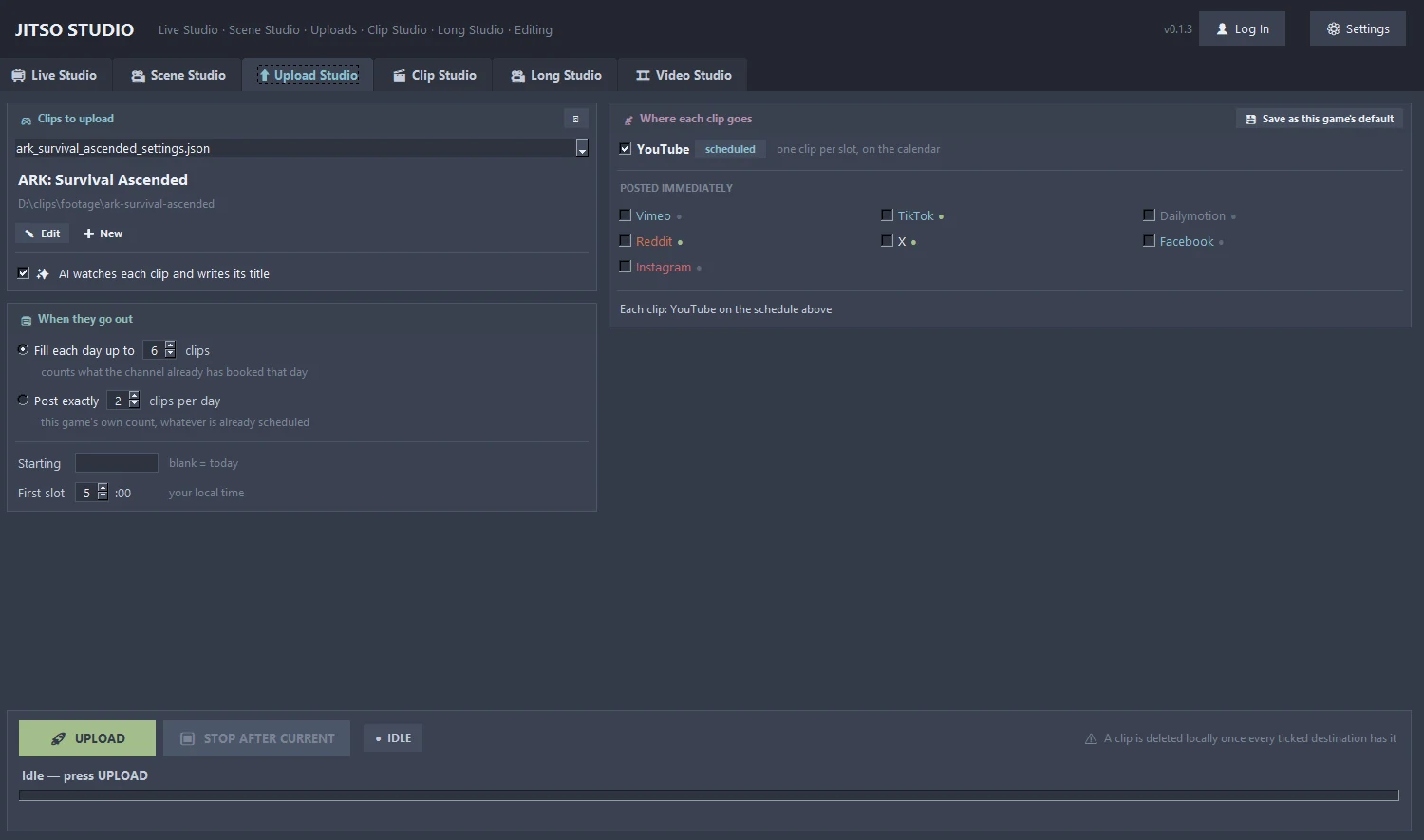
Stream live, let AI curate your highlights, and publish your clips to YouTube and other platforms.